io.github.Nagarjuna2997/ios-agent-skill MCP Server
io.github.Nagarjuna2997/ios-agent-skill
Give your AI agent Swift reviews, local Apple references, app scaffolding and iOS simulator workflows.
What is the io.github.Nagarjuna2997/ios-agent-skill MCP server?
The iOS Agent Skill MCP server equips coding agents with tools to build, review and test iOS apps. It provides Swift source retrieval, implementation guidance, design asset generation, simulator verification and local Apple documentation access—enabling agents to turn app ideas into working SwiftUI projects with evidence.
iOS Agent Skill bridges AI coding agents and iOS development by supplying reusable implementation guidance, local Apple references, and tools to scaffold apps, review Swift code, generate design assets, and verify builds in the simulator. Use it to have an agent build a complete iOS app from scratch, improve an existing Swift project, or review specific aspects like color systems, backend integration and launch screens—all without leaving your coding session.
How to install io.github.Nagarjuna2997/ios-agent-skill
Copy-paste configuration for popular MCP clients.
Tools & capabilities
Tools this server exposes to the agent.
create_app_starter— Generate an editable Swift starter project with implementation brief and optional XcodeGen specification.search_apple_references— Search local Swift source and guides in bounded sections, plus a dated directory of Apple technologies and release notes.review_swift_code— Perform file-located code review for concurrency, architecture, SwiftUI, availability, security, performance and App Intents.generate_design_assets— Render named light/dark/high-contrast colors and opaque 1024px app icons locally from editable SVG layers.review_color_system— Generate semantic color palettes and inspect light, dark and high-contrast color evidence.review_backend_integration— Identify supported services and review credential, auth, policy and networking evidence.simulator_build_test_install— Build, test, install and launch apps through Xcode, then capture screenshots.review_launch_screens— Perform target-aware checks for launch configuration, storyboards and asset references.prepare_release_draft— Inspect selected-target facts, unresolved questions and hashed, resumable local packages.screenshot_studio— Turn simulator captures into localized screenshot sets with reusable layouts, frames and validated PNG exports.apple_system_integrations— Preview and review Calendar, Reminders, Contacts, Photos, Camera, Maps, Files, Sharing, Shortcuts and Notifications with permission and capability evidence.prepare_issue_report— Prepare a local report when an iOS Agent tool fails, with fixed categories and duplicate-search link.
Use cases
- Build a complete SwiftUI app from scratch with local persistence, search and accessible states, then verify it in the simulator.
- Review an existing iOS project for Swift concurrency issues, architecture patterns, SwiftUI best practices and security concerns.
- Generate semantic color systems and design assets (icons, colors) locally and verify them across light, dark and high-contrast modes.
- Integrate backend services into an iOS app with reviewed credential, auth and networking evidence.
- Prepare app store release drafts by inspecting target facts, unresolved questions and local package hashes without connecting to Apple.
io.github.Nagarjuna2997/ios-agent-skill MCP server FAQ
It is an MCP server that gives AI coding agents (Claude, ChatGPT, Gemini CLI, Muse) tools to build, review and test iOS apps. It supplies Swift source retrieval, implementation guidance, design asset generation, simulator verification and local Apple documentation access.
Yes. The iOS Agent Skill is open-source under the MIT license and available on npm as ios-agent-mcp.
Run `claude mcp add ios-agent -- npx -y ios-agent-mcp@latest`. For other clients, see the client setup guides at https://nagarjuna2997.github.io/ios-agent-skill/install.html.
Node.js 20+ is required. Building and running iOS apps requires macOS and Xcode. The MCP server itself runs on macOS.
No authentication is required for the core tools. Optional provider commands for text generation and local Apple documentation may require Xcode setup and bridge authorization.
Yes. Provide the absolute project path and ask the agent for a focused review before making changes. The server can review Swift code, color systems, backend integration and launch screens in existing projects.
README (reference)
Source of truth, from the repository.
iOS Agent Skill
Give your coding agent the Apple references, Swift source and local tools it needs to build and review an iOS app.
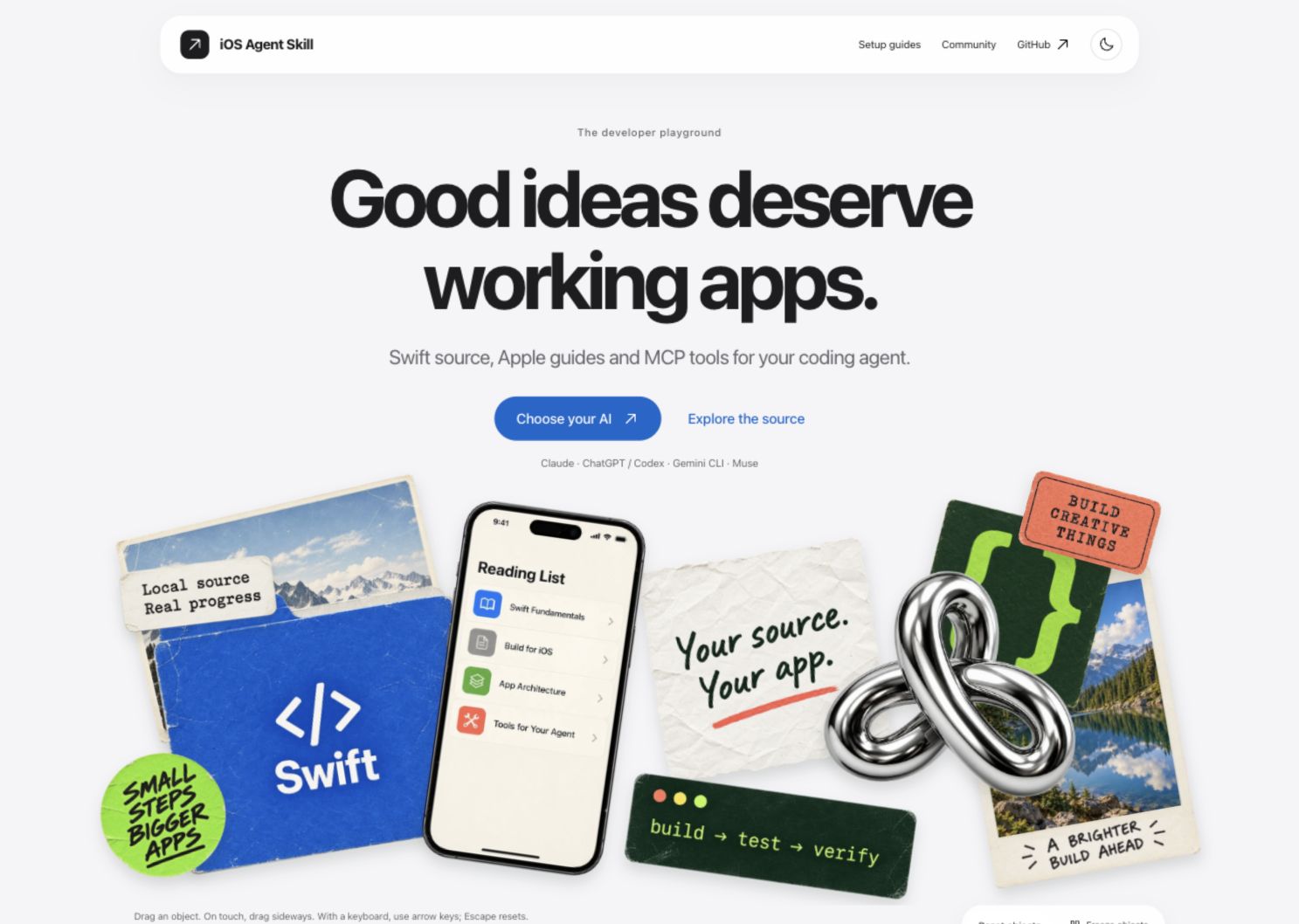
Watch the website walkthrough · Explore the website
Use it to turn an app idea into an editable starter, improve an existing Swift project, and check the result with Xcode and the simulator. Your agent writes the app; this repository supplies reusable implementation guidance and tools to inspect its work.



Explore the website · Client setup guides · npm · Release notes
Start with one connection
For Claude Code:
claude mcp add ios-agent -- npx -y ios-agent-mcp@latest
Set up ChatGPT/Codex, Gemini CLI or Muse. One npm package includes reviews, local references, app scaffolding and simulator tools. Node.js 20+ is required; building and running iOS apps needs macOS and Xcode.
Then ask:
Build a SwiftUI reading list with local persistence, search and accessible empty/error states. Reuse the local source library. Build it, run the tests and capture simulator evidence. Explain any checks that fail.
For an existing app, provide its absolute project path and ask for a focused review before making changes.
What it helps you do
<!-- product-features:start -->| Feature | What you get |
|---|---|
| Start an app | An editable Swift starter, implementation brief and optional XcodeGen specification. |
| Reuse Apple knowledge | Search local Swift source and guides in bounded sections, plus a dated directory of Apple technologies and release notes. |
| Review Swift code | File-located findings for concurrency, architecture, SwiftUI, availability, security, performance and App Intents. |
| Generate design assets | Named light/dark/high-contrast colors and an opaque 1024px app icon rendered locally from editable SVG layers. |
| Review app color systems | Generate semantic palettes and inspect light, dark and high-contrast color evidence. |
| Review backend integration | Identify supported services and review credential, auth, policy and networking evidence locally. |
| Verify on a simulator | Build, test, install, launch and capture screenshots through Xcode. |
| Review launch screens | Conservative target-aware checks for launch configuration, storyboards and asset references. |
| Prepare a local release draft | Inspect selected-target facts, unresolved questions and hashed, resumable local packages without connecting to Apple. |
| App Store Screenshot Studio (GitHub source) | Turn captures into localized screenshot sets with reusable layouts, neutral frames, a preview gallery and validated PNG exports. |
| Apple system integrations (GitHub source) | Preview and review Calendar, Reminders, Contacts, Photos, Camera, Maps, Files, Sharing, Shortcuts and Notifications with permission and capability evidence. |
Asset generation · Review tools · Simulator setup · Apple release status
Create a starter directly:
npx -y ios-agent-mcp@latest new MyApp --brief "A reading list with local storage" --xcodegen
XcodeGen is needed to generate the Xcode project. The starter is not a finished app. Generated app ownership and branding belong to the user.
See the evidence
The Reading List demo has persistence, search, simulator acceptance tests and captured screens.
<a href="examples/reading-list/library.png"> <img src="examples/reading-list/library.png" alt="Reading List running in the simulator" width="260"> </a>npm 2.9.0 exposes 67 tools, including seven Apple system integration tools and nine Screenshot Studio tools. Static reviews are heuristics, not compiler diagnostics. The Apple directory is a reference map, not Apple's proprietary framework source or proof of 405 working integrations. Token savings have not been benchmarked. Build-loop verification limits.
Why use this alongside Xcode?
Xcode already ships agent expertise and build/test tools. Use those when they meet your needs. This repository adds shared guidance across these four client families, inspectable review rules, local source retrieval and repeatable asset workflows. It has not been established that it makes an AI outperform Xcode's skills or use fewer tokens.
Where the guidance comes from, evidence and unfinished work. The paired benchmark harness contains 20 Swift microtasks; results are not published, and it does not yet measure complete app builds.
Help improve the tools
Failure feedback belongs in your coding session: the observed error, the proposed fix and actual verification results. The source server adds troubleshooting guidance to returned tool errors; agent instructions also cover compiler/test failures. These messages do not appear in the app you are building.
prepare_issue_report lets your AI prepare a local report when an iOS Agent tool fails. It accepts fixed categories only, shows a preview and a duplicate-search link, and leaves public submission to you. No app source or logs are collected. Reporting workflow.
Included as an experimental tool in 2.7.1: optional private_feedback keeps approval in the AI chat and sends fixed categories to a private inbox through a configured HTTPS receiver. Hosting is not configured, so private submission is not live. It never silently submits or falls back to public issues.
Four client families, one project
| Client | Setup and evidence |
|---|---|
| Claude | Local MCP and source skill; your Claude client supplies the coding agent. |
| ChatGPT / Codex | Codex local MCP; ChatGPT skills package or a separately configured HTTPS/private-tunnel MCP connection. Availability depends on account/workspace policy. |
| Gemini CLI | Extension configuration and local MCP connection verified. |
| Muse Code | Skill discovery, 36-tool MCP discovery and a Stop hook verified; model sessions and observer behavior remain unverified. |
The project focuses on these four families. For another client, open a client-support request or add a 👍 to an existing request. Votes inform priorities alongside feasibility and testing; they do not guarantee delivery. Existing experimental adapters are not actively maintained.
install.sh is optional: it installs source guidance for a chosen local client, not the MCP server or a browser plugin. Run bash install.sh --help after cloning. Most users should use the client setup guide above.
Apple catalog tracked: 99 technologies. Covered: 99. Planned: 0. Skipped: 0. Deprecated: 0. Coverage: 100.0%.
Source of truth: frameworks.json. Human index: docs/apple-framework-index.md.
Coverage counts describe documentation, not compiled integrations. Download counts refresh daily and are not unique users.
</details>Contributing · Development · Security · Roadmap · MIT license
https://www.producthunt.com/products/ios-agent-mcp?launch=ios-agent-mcp
Backend integration guidance: choose a service and review auth, data and security boundaries.
Optional provider commands
Use ios-agent-mcp environment to inspect the actual Xcode/SDK/simulator inventory.
ios-agent-mcp ai models and ai doctor inspect the dated catalog and account/local availability.
Text generation defaults to on-device Apple models; cloud providers and fallback require explicit configuration.
Provider setup, handoff, simulator CLI and limits. These commands do not replace the coding client or claim autonomous app completion.
Local Apple documentation
Install the archive in Xcode → Settings → Components → Developer Documentation. Read it through Window → Developer Documentation (Shift–Command–0 with standard key bindings). This integration uses xcrun mcpbridge; the archive stays managed by Xcode.
npm version 2.9.0 exposes 67 tools and includes the updated CLI dependency. Use xcode-mcp tools for discovered Xcode schemas and doctor xcode for setup diagnostics.
Use ios-agent-mcp docs status and ios-agent-mcp docs symbol SwiftUI.NavigationStack for version-aware documentation grounding. The adapter prefers Xcode MCP DocumentationSearch, then bounded SDK evidence. Apple’s archive is never bundled. Bridge authorization is required; retrieval is not automatic code validation. Setup, tools and limitations.
Related MCP servers

pdfmux
PDF-to-Markdown extraction that audits its own output and flags silent drops across any extractor.

Kubernetes Troubleshoot
Read-only Kubernetes diagnostics: pods, logs, events, workloads, services, PVCs and nodes.

Verifiable random decisions, audit sampling, fair selection, and proof verification using QnEvt.

io.github.Nano-Nimbus/locus
Hierarchical markdown memory palace for AI agents — structured palace navigation via MCP tools.

OCL Context Layer
Reference MCP server for OCL, an open standard giving AI agents scoped business meaning for Odoo.

Convert PDF, Word, Excel, PowerPoint, EPUB and images to Markdown locally, with no upload.