io.github.freema/mcp-design-system-extractor MCP Server
io.github.freema/mcp-design-system-extractor
Extract component HTML, styles, and metadata from Storybook design systems via MCP.
What is the io.github.freema/mcp-design-system-extractor MCP server?
The Design System Extractor MCP server connects to Storybook instances and extracts component information including rendered HTML, CSS styles, and metadata. It enables AI assistants to discover, analyze, and retrieve design system components for documentation, migration, and development workflows.
This server bridges Storybook design systems and AI assistants by providing tools to list components, extract HTML and styles, search by purpose, analyze dependencies, and extract design tokens. Use it to automate component discovery, generate documentation, migrate components across frameworks, or ensure new features match existing design system patterns.
How to install io.github.freema/mcp-design-system-extractor
Copy-paste configuration for popular MCP clients.
STORYBOOK_URLBase URL of the Storybook instance (default: http://localhost:6006)
NODE_TLS_REJECT_UNAUTHORIZEDSet to 0 to allow self-signed certificates on the Storybook host
DEBUGSet to true for verbose logging on stderr
Tools & capabilities
Tools this server exposes to the agent.
list_components— Lists all available components from the Storybook instance with optional filtering by category and pagination support; compact mode available to reduce response size.get_component_html— Extracts rendered HTML from a specific component story; supports async (default) and sync modes, variant listing, and optional CSS extraction.search_components— Search components by name, title, category, or purpose with pagination support.get_component_dependencies— Analyzes rendered HTML to detect which other components are used internally, including React components, web components, and CSS class patterns.get_theme_info— Extracts design system theme information including colors, spacing, typography, breakpoints, and CSS custom properties.get_external_css— Fetches and analyzes CSS files to extract design tokens (colors, spacing, typography, shadows); returns token summary by default or full CSS content on request.job_status— Checks the status of an async job and retrieves results when completed.job_cancel— Cancels a queued or running job.job_list— Lists all jobs with their status and queue statistics; filterable by status (all, active, completed).
Use cases
- Discover and document all components available in a Storybook design system
- Extract HTML and CSS for components to migrate them to a different framework or codebase
- Find relevant design system components by purpose (e.g., form inputs, navigation, buttons) when building new features
- Analyze component dependencies to understand which components are composed within others
- Extract design tokens (colors, spacing, typography) to ensure new components match the existing design system
io.github.freema/mcp-design-system-extractor MCP server FAQ
It's an MCP server that connects to Storybook instances and extracts component HTML, styles, and metadata. It uses Puppeteer with headless Chrome to render components dynamically and provides tools for discovery, analysis, and token extraction.
Yes, the Design System Extractor is open-source under the MIT license and free to use. You only need a running Storybook instance and Node.js 20+.
Use the Claude CLI: `claude mcp add design-system npx mcp-design-system-extractor@latest --env STORYBOOK_URL=http://localhost:6006`. For self-signed certificates, add `--env NODE_TLS_REJECT_UNAUTHORIZED=0`. Alternatively, install globally via npm and configure in your MCP client settings.
No authentication is required. The server connects directly to your Storybook instance via the `STORYBOOK_URL` environment variable. Ensure your Storybook is accessible at that URL.
Storybook 7, 8, 9, and 10 are supported. The server reads the story index from `/index.json` and renders stories through `/iframe.html`. Storybook 6 and earlier are not supported.
Async mode prevents timeouts on large or complex components. The server queues long-running operations and returns a job ID; you poll `job_status` to retrieve results when ready. Use sync mode only for small components with a timeout parameter.
README (reference)
Source of truth, from the repository.
MCP Design System Extractor
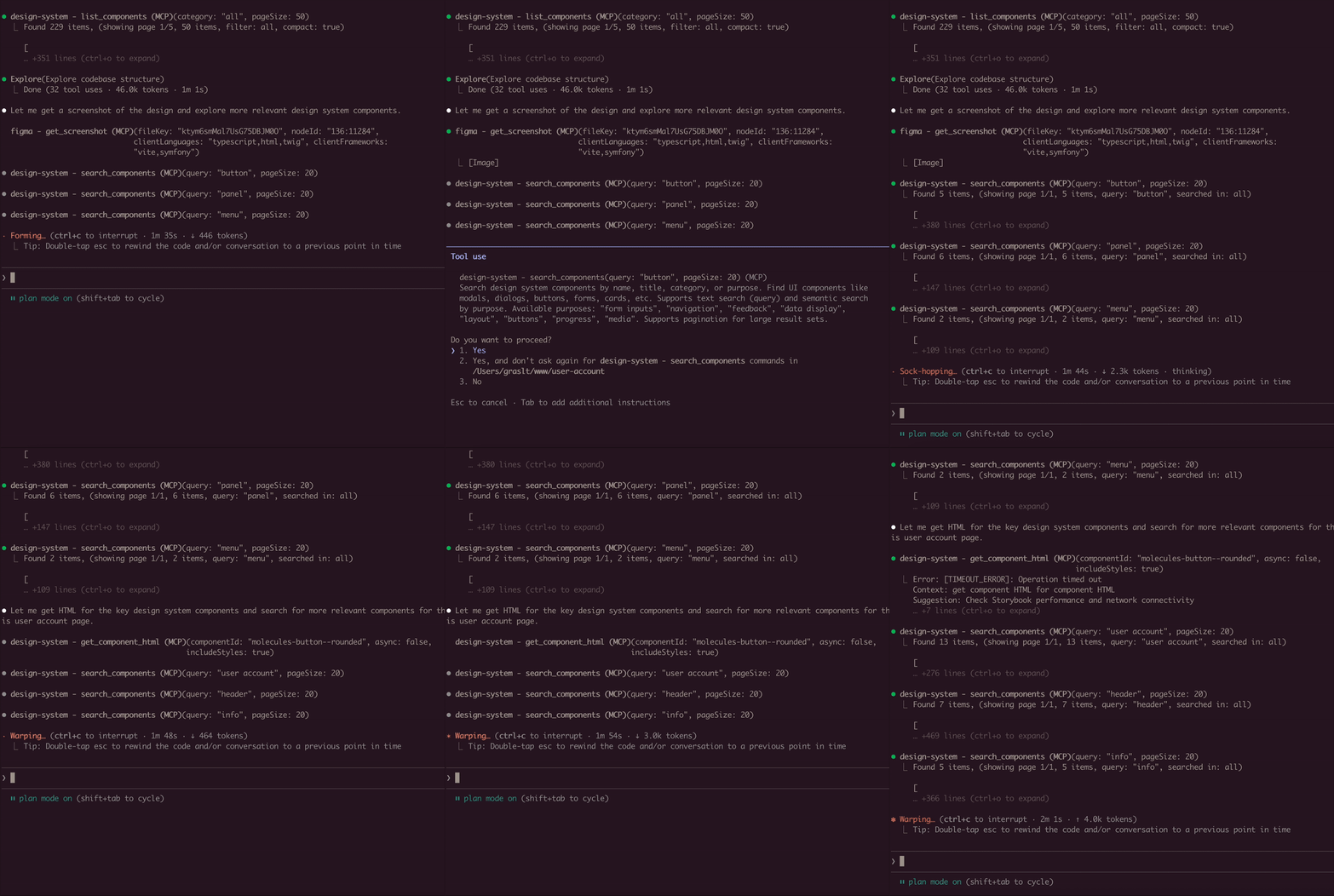
A Model Context Protocol (MCP) server that extracts component information from Storybook design systems. Connects to Storybook instances and extracts HTML, styles, and component metadata.
Installation
Using Claude CLI (Recommended)
claude mcp add design-system npx mcp-design-system-extractor@latest \
  --env STORYBOOK_URL=http://localhost:6006
With self-signed certificate:
claude mcp add design-system npx mcp-design-system-extractor@latest \
  --env STORYBOOK_URL=https://my-storybook.example.com \
  --env NODE_TLS_REJECT_UNAUTHORIZED=0
Using npm
npm install -g mcp-design-system-extractor
Then configure in your MCP client (see Environment Variables).
From Source
git clone https://github.com/freema/mcp-design-system-extractor.git
cd mcp-design-system-extractor
npm install && npm run build
npm run setup  # Interactive setup for Claude Desktop
Key Dependencies
- Puppeteer: Uses headless Chrome for dynamic JavaScript component rendering
- Chrome/Chromium: Required for Puppeteer (automatically handled in Docker)
- Works with built Storybook distributions
Features
- List Components: Get all available components from your Storybook with compact mode
- Extract HTML: Get the rendered HTML of any component (async or sync mode)
- Search Components: Find components by name, title, category, or purpose
- Component Dependencies: Analyze which components are used within other components
- Theme Information: Extract design system theme (colors, spacing, typography)
- External CSS Analysis: Fetch and analyze CSS files to extract design tokens
- Async Job Queue: Long-running operations run in background with job tracking
Environment Variables
| Variable | Description | Default |
|---|---|---|
STORYBOOK_URL | URL of your Storybook instance | http://localhost:6006 |
NODE_TLS_REJECT_UNAUTHORIZED | Set to 0 to skip SSL certificate verification (for self-signed certs) | 1 |
Example with self-signed certificate:
{
  "mcpServers": {
    "design-system": {
      "command": "node",
      "args": ["/path/to/dist/index.js"],
      "env": {
        "STORYBOOK_URL": "https://my-storybook.example.com",
        "NODE_TLS_REJECT_UNAUTHORIZED": "0"
      }
    }
  }
}
Usage
See DEVELOPMENT.md for detailed setup instructions.
Available Tools (9 total)
Core Tools
-
list_components
- Lists all available components from the Storybook instance
- Use
compact: truefor minimal output (reduces response size) - Filter by
categoryparameter - Supports pagination with
pageandpageSize(default: 20)
-
get_component_html
- Extracts HTML from a specific component story
- Async by default: Returns
job_id, usejob_statusto poll for results - Set
async: falsefor synchronous mode (usestimeoutparameter) - Use
variantsOnly: trueto get list of available variants (sync, fast) - Optional
includeStyles: truefor CSS extraction (Storybook CSS filtered out) - Story ID format:
"component-name--story-name"or just"component-name"(auto-resolves to default variant)
-
search_components
- Search components by name, title, category, or purpose
query: Search term (use"*"for all)purpose: Find by function ("form inputs", "navigation", "feedback", "buttons", etc.)searchIn: "name", "title", "category", or "all" (default)- Supports pagination with
pageandpageSize
Component Analysis Tools
- get_component_dependencies
- Analyzes rendered HTML to find which other components are used internally
- Detects React components, web components, and CSS class patterns
- Requires story ID format:
"component-name--story-name"
Design System Tools
-
get_theme_info
- Extracts design system theme (colors, spacing, typography, breakpoints)
- Gets CSS custom properties/variables
- Use
includeAll: truefor all CSS variables
-
get_external_css
- DEFAULT: Returns only design tokens + file stats (avoids token limits)
- Extracts & categorizes tokens: colors, spacing, typography, shadows
- Use
includeFullCSS: trueonly when you need full CSS content - Security-protected: only accepts URLs from same domain as Storybook
Job Management Tools
-
job_status
- Check status of an async job
- Returns:
status,result(when completed),error(when failed) - Poll this after calling
get_component_htmlin async mode
-
job_cancel
- Cancel a queued or running job
- Returns whether cancellation was successful
-
job_list
- List all jobs with their status
- Filter by
status: "all" (default), "active" (queued/running), "completed" - Returns job list + queue statistics
Example Usage
// List all components (compact mode recommended)
await list_components({ compact: true });

// Search for components
await search_components({ query: "button", searchIn: "name" });

// Find components by purpose
await search_components({ purpose: "form inputs" });

// Get variants for a component
await get_component_html({
  componentId: "button",
  variantsOnly: true
});
// Returns: { variants: ["primary", "secondary", "disabled"] }

// Get HTML (async mode - default)
await get_component_html({ componentId: "button--primary" });
// Returns: { job_id: "job_xxx", status: "queued" }

// Poll for result
await job_status({ job_id: "job_xxx" });
// Returns: { status: "completed", result: { html: "...", classes: [...] } }

// Get HTML (sync mode)
await get_component_html({
  componentId: "button--primary",
  async: false,
  timeout: 30000
});
// Returns: { html: "...", classes: [...] }

// Get HTML with styles
await get_component_html({
  componentId: "button--primary",
  async: false,
  includeStyles: true
});

// Check all running jobs
await job_list({ status: "active" });

// Extract theme info
await get_theme_info({ includeAll: false });

// Get design tokens from CSS
await get_external_css({
  cssUrl: "https://my-storybook.com/assets/main.css"
});
AI Assistant Usage Tips
- Start with discovery: Use
list_componentswithcompact: true - Get variants first: Use
get_component_htmlwithvariantsOnly: true - Use async for HTML: Default async mode prevents timeouts on large components
- Poll job_status: Check job completion before reading results
- Search by purpose: Use
search_componentswithpurposeparameter
Example Prompts
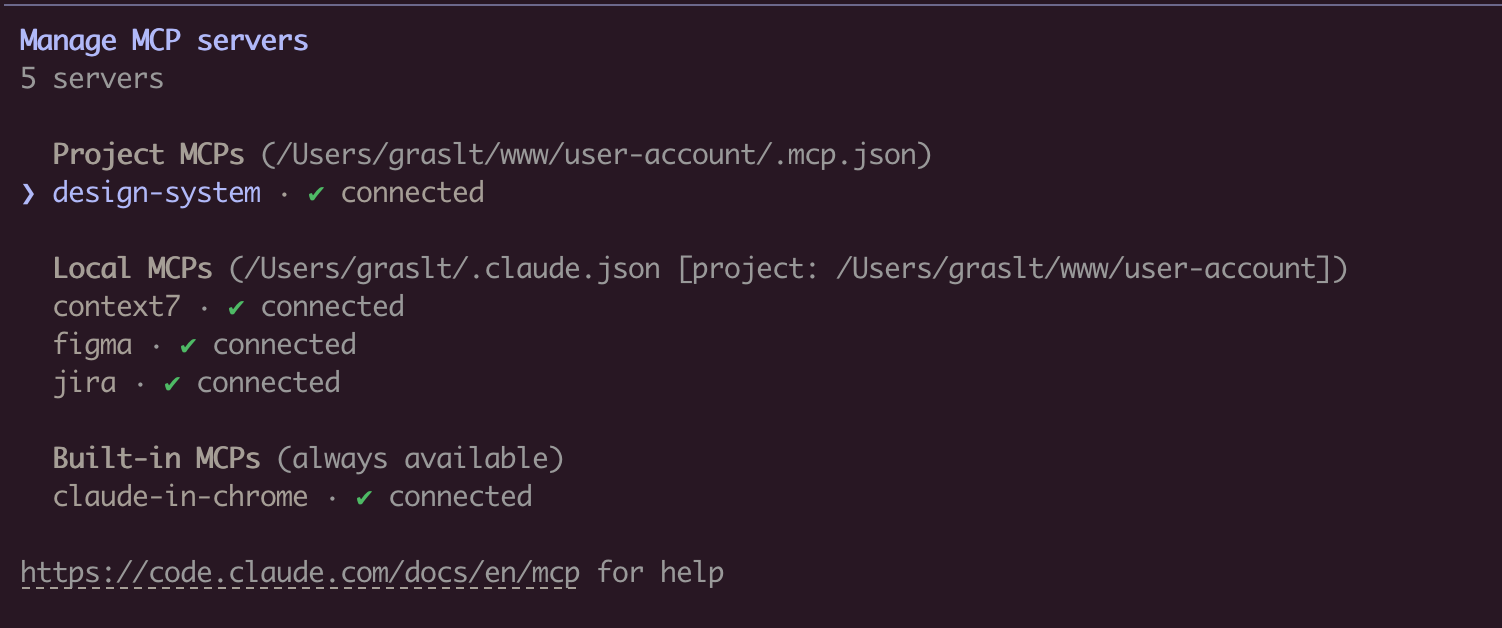
Once connected, you can use natural language prompts with Claude:
Component Discovery:
Show me all available button components in the design system
Building New Features:
I need to create a user profile card. Find relevant components
from the design system and show me their HTML structure.
Design System Analysis:
Extract the color palette and typography tokens from the design system.
I want to ensure my new component matches the existing styles.
Component Migration:
Get the HTML and styles for the "alert" component. I need to
recreate it in a different framework while keeping the same look.
Multi-Tool Workflow:
First list all form-related components, then get the HTML for
the input and select components. I'm building a registration form.
How It Works
Connects to Storybook via /index.json and /iframe.html endpoints. Uses Puppeteer with headless Chrome for dynamic JavaScript rendering. Long-running operations use an in-memory job queue with max 2 concurrent jobs and 1-hour TTL for completed jobs.
Troubleshooting
- Ensure Storybook is running and
STORYBOOK_URLis correct - Use
list_componentsfirst to see available components - For large components, use async mode (default) and poll
job_status - Check
/index.jsonendpoint directly in browser - SSL certificate errors: Set
NODE_TLS_REJECT_UNAUTHORIZED=0for self-signed certificates - See DEVELOPMENT.md for detailed troubleshooting
Requirements
- Node.js 20+
- Chrome/Chromium (for Puppeteer)
- Running Storybook instance (see below for supported versions)
Supported Storybook versions
Storybook 7, 8, 9 and 10. The server reads the story index from
/index.json, falling back to /stories.json, and renders stories through
/iframe.html?id=<storyId> — endpoints that have been stable across all four
major versions.
Storybook 6 and earlier are not supported: they predate /index.json and use
a different story-id scheme.
Both a dev server (npm run storybook) and a built static Storybook served
over HTTP will work.
Development
See DEVELOPMENT.md for detailed development instructions.
Author
Created by Tomáš Grasl
License
MIT
Related MCP servers

Read, write, and manage Google Sheets directly from Claude, Cursor, and other MCP clients.
MCP server for Jira Cloud — manage issues, search, comments, and transitions from Claude.
OpenClaw MCP Server
MCP bridge connecting Claude to self-hosted OpenClaw AI assistants via OAuth 2.1
Drobek
Build, preview, version and publish small browser apps from coding agents over MCP.

Jev MCP
Typed decisions with Jev / System One via OpenRouter or TypeSafe: classify, verify, rerank, decide.

freeq
IRC server with Bluesky identity auth, E2EE channels, and federated clustering—read and verify conversations via MCP.