Ultimate Gemini MCP MCP Server
io.github.nikships/ultimate-image-gen-mcp
Fast image generation with Google Gemini 3.1 Flash: 512px–4K, reference images, Google Search grounding, and transparent backgrounds.
What is the Ultimate Gemini MCP MCP server?
The Ultimate Gemini MCP server provides image generation powered by Google's Gemini 3.1 Flash Image model. It supports high-resolution output (512px to 4K), up to 14 reference images, Google Search and Image Search grounding for real-world context, and advanced features like transparent background removal and app icon generation.
Generate images at scale with Gemini 3.1 Flash Image, a model with live access to Google Search and Image Search. Unlike traditional generators, it can find real references for products, people, and events. Features include batch processing (up to 8 concurrent), 26 expert prompt templates, flexible aspect ratios, transparent PNG/WebP cut-outs via difference matte, and configurable thinking modes for speed or quality.
How to install Ultimate Gemini MCP
Copy-paste configuration for popular MCP clients.
GEMINI_API_KEYrequiredsecretGoogle Gemini API key (free tier at https://aistudio.google.com/apikey). Also accepts GOOGLE_API_KEY.
OUTPUT_DIRDirectory where generated images are saved
DEFAULT_IMAGE_SIZEDefault resolution for generated images
DEFAULT_MODELDefault Gemini image model
ENABLE_PROMPT_ENHANCEMENTAutomatically enhance prompts with Gemini Flash before generation
ENABLE_GOOGLE_SEARCHEnable Google Search grounding by default (real-time data like weather, events)
REQUEST_TIMEOUTAPI request timeout in seconds
MAX_BATCH_SIZEMax parallel requests in batch mode
LOG_LEVELLogging level
Tools & capabilities
Tools this server exposes to the agent.
generate_image— Generate an image with Gemini 3.1 Flash Image. Supports 512px–4K resolution, 14 aspect ratios, up to 14 reference images, Google Search/Image Search grounding, transparent backgrounds via two-pass difference matte, and configurable thinking levels.generate_app_icon— Purpose-built tool for app icons and logos. Forces square, transparent, 1024px PNG output with real alpha channel. Accepts prompt, reference images, Google Search/Image Search, and thinking level.batch_generate— Generate multiple images in parallel (up to 8 concurrent). Applies shared aspect ratio, resolution, format, and parameters to all prompts in the batch.
Use cases
- Generate photorealistic product mockups and e-commerce photography with commercial-grade quality
- Create app icons and logos with transparent backgrounds ready for iconset conversion
- Build multi-scene storyboards and character sheets for game/film concept art
- Generate images grounded in real-time data (weather, events, current products) via Google Search
- Produce technical cutaways, architectural visualizations, and scientific illustrations at 4K resolution
Ultimate Gemini MCP MCP server FAQ
It's an MCP server for Google's Gemini 3.1 Flash Image model. It generates images at 512px–4K resolution with advanced features: up to 14 reference images, Google Search/Image Search grounding, transparent background removal, batch processing, and 26 expert prompt templates.
You need a Google Gemini API key (free tier available at makersuite.google.com/app/apikey). Image generation costs depend on resolution and features; transparent backgrounds cost ~2x due to a second model call.
Add to your claude_desktop_config.json: set command to 'uvx', args to ['ultimate-gemini-mcp@latest'], and env GEMINI_API_KEY to your API key. Config location: ~/Library/Application Support/Claude/claude_desktop_config.json (macOS) or %APPDATA%\Claude\claude_desktop_config.json (Windows).
Add to .cursor/mcp.json with the same configuration: command 'uvx', args ['ultimate-gemini-mcp@latest'], and GEMINI_API_KEY environment variable.
It has live access to Google Search and Image Search, so it can find real references for products, people, events, and anything that exists online. You don't need to over-prompt — the model can research and generate based on current information.
Yes. Set transparent_background=true in generate_image, or use generate_app_icon for icons/logos. Transparent backgrounds use a two-pass difference matte technique for soft edges and real alpha channels, with no color halo.
README (reference)
Source of truth, from the repository.
Ultimate Gemini MCP
MCP server for Google's Gemini 3.1 Flash Image — fast image generation with advanced reasoning, 512px–4K resolution, up to 14 reference images, Google Search grounding, and automatic thinking mode.
Setup
Claude Desktop
Add to your mcp config (mcp.json / .claude.json):
{
  "mcpServers": {
    "ultimate-gemini": {
      "command": "uvx",
      "args": ["ultimate-gemini-mcp@latest"],
      "env": {
        "GEMINI_API_KEY": "your-api-key-here"
      }
    }
  }
}
All generated images include invisible SynthID watermarks for authenticity and provenance tracking.
Features
Gemini 3.1 Flash Image
- High-Resolution Output: 512px, 1K, 2K, and 4K resolution
- Advanced Text Rendering: Legible, stylized text in infographics, menus, diagrams, and logos
- Up to 14 Reference Images: Up to 10 objects + 4 characters for style/character consistency
- Google Search Grounding: Real-time data (weather, stocks, events, maps)
- Google Image Search: Visual context from web images — the model can FIND real images of anything
- Thinking Mode: Configurable reasoning - "minimal" (fast) or "high" (best quality)
- Transparent Backgrounds: Flip one flag → ready-to-use transparent PNG/WebP cut-outs with a real alpha channel, recovered by a two-pass difference matte (generate on white → edit to black → solve for alpha). True soft edges/glow/glass, no color halo. Pillow only — no extra dependencies. Costs a second model call (~2x).
- Dedicated App-Icon / Logo Tool:
generate_app_iconforces a square, transparent, 1024px PNG every time — no way to get a non-square or opaque-background icon
This model is different. Unlike traditional image generators that rely solely on training data, Gemini 3.1 Flash has live access to Google Search and Image Search. It can find actual references for products, people, events, or anything that exists online. "Way of Wade 12" → generates the REAL shoe. "Tony Hawk" → finds real photos. Don't over-prompt — let the model cook.
Server Features
- Batch Processing: Generate multiple images in parallel (up to 8 concurrent)
- 26 Expert Prompt Templates: MCP slash commands for photography, cinematics, storyboards, and more
- Flexible Aspect Ratios: 14 options — 1:1, 1:4, 1:8, 2:3, 3:2, 3:4, 4:1, 4:3, 4:5, 5:4, 8:1, 9:16, 16:9, 21:9
- Configurable via Environment Variables: Output directory, default size, timeouts, and more
Showcase
Photorealistic Capabilities
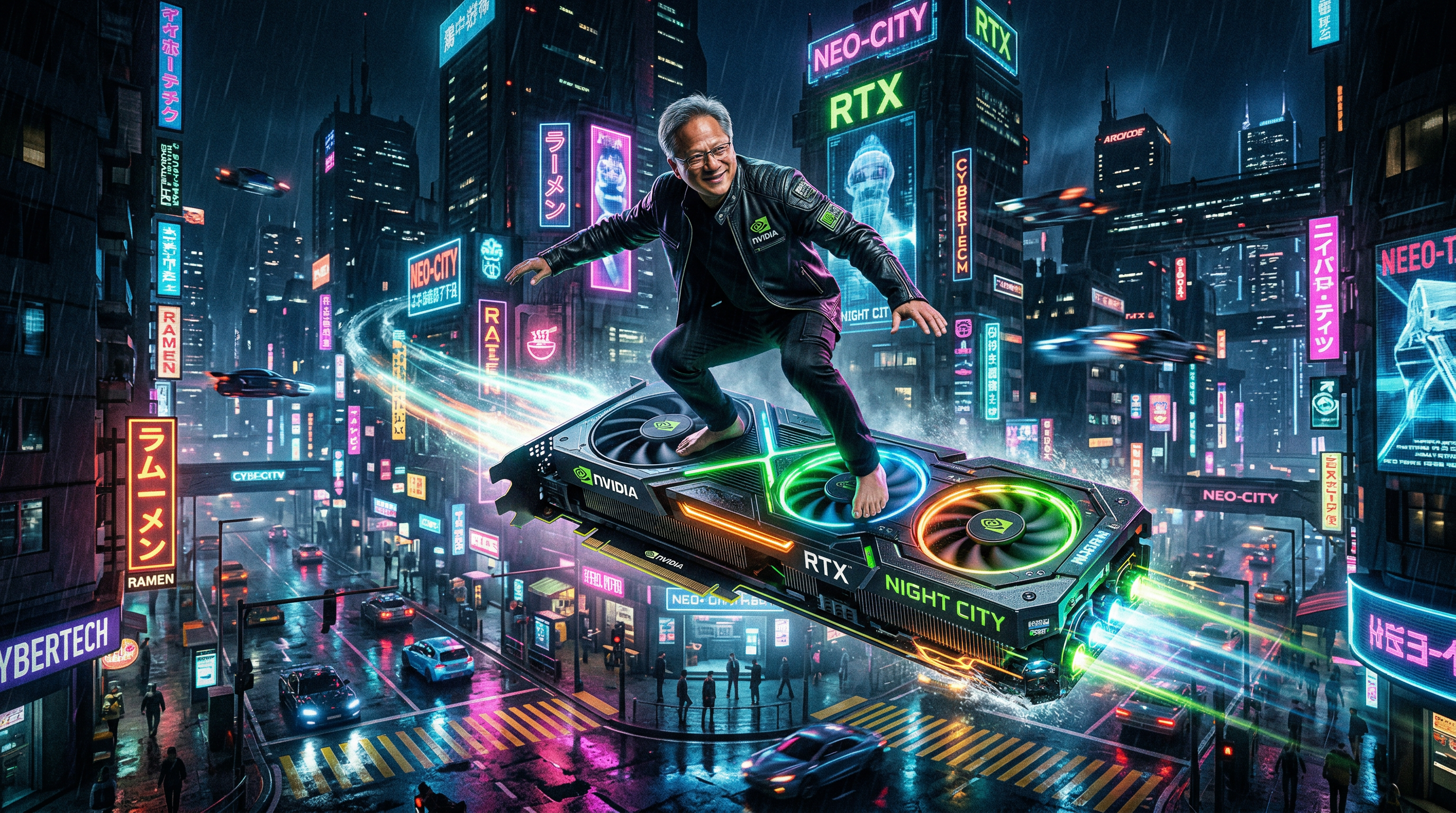
Jensen Huang — GPU Surfing
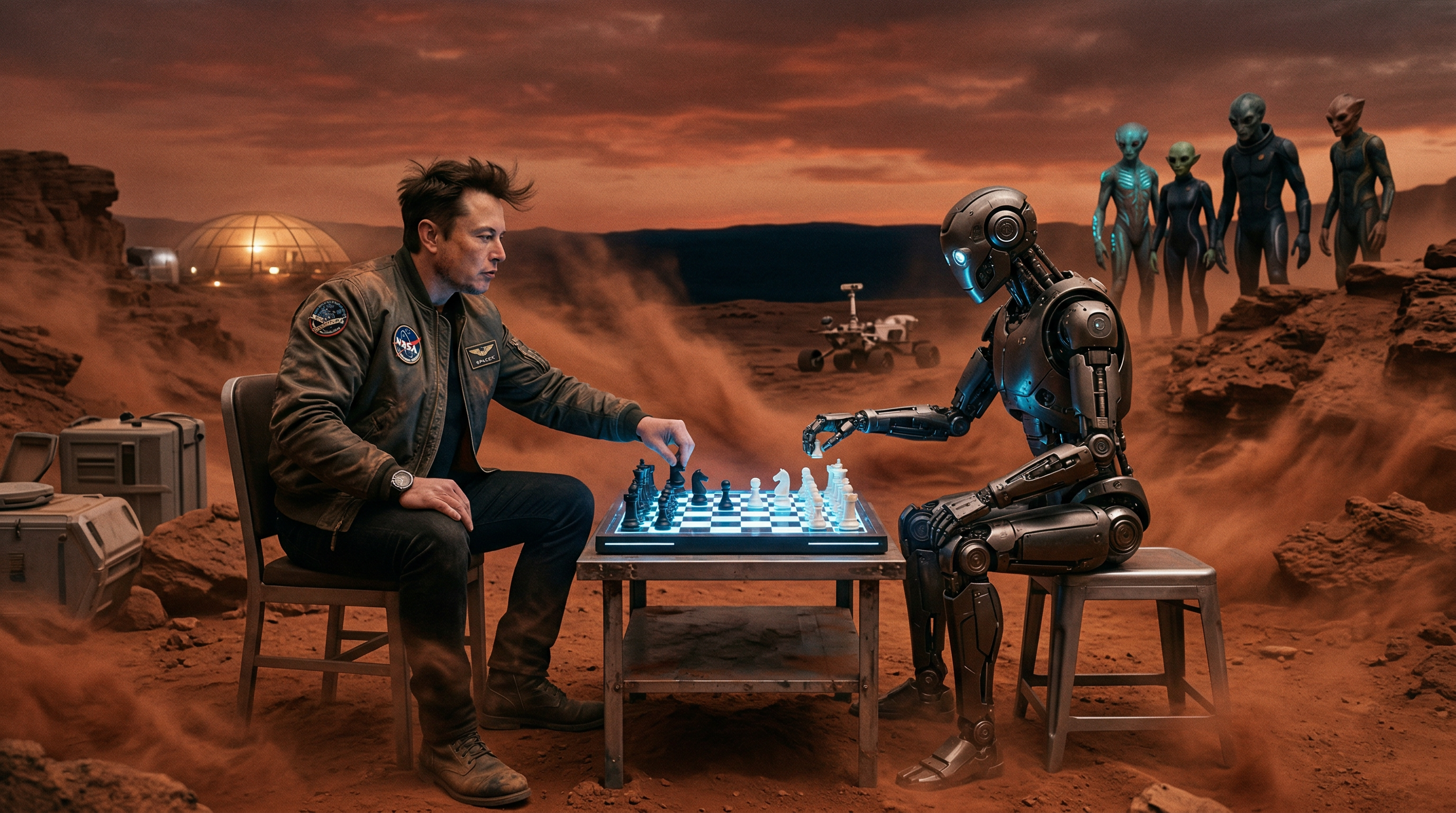
Elon Musk — Mars Chess Match
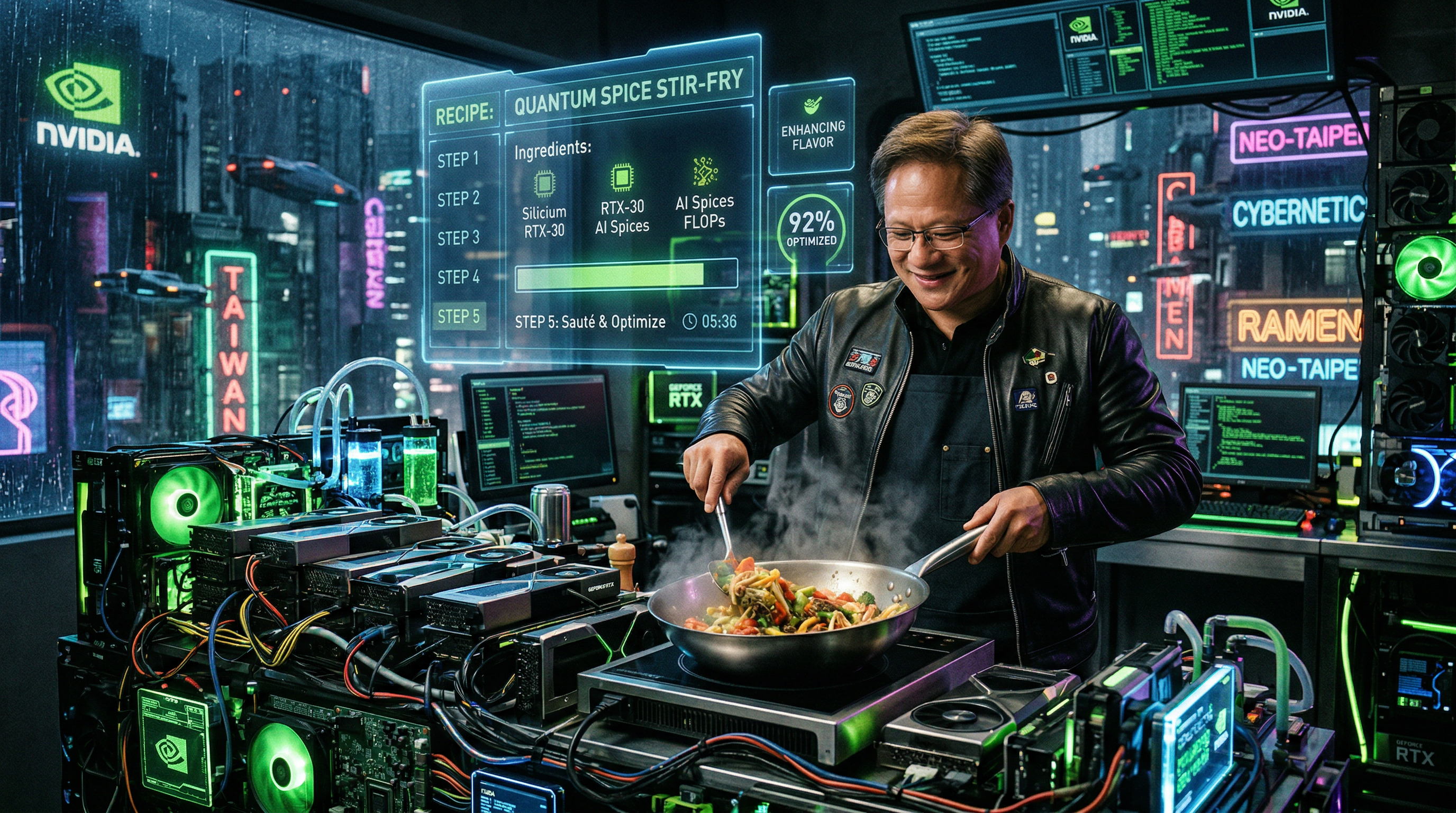
Jensen Huang — GPU Kitchen
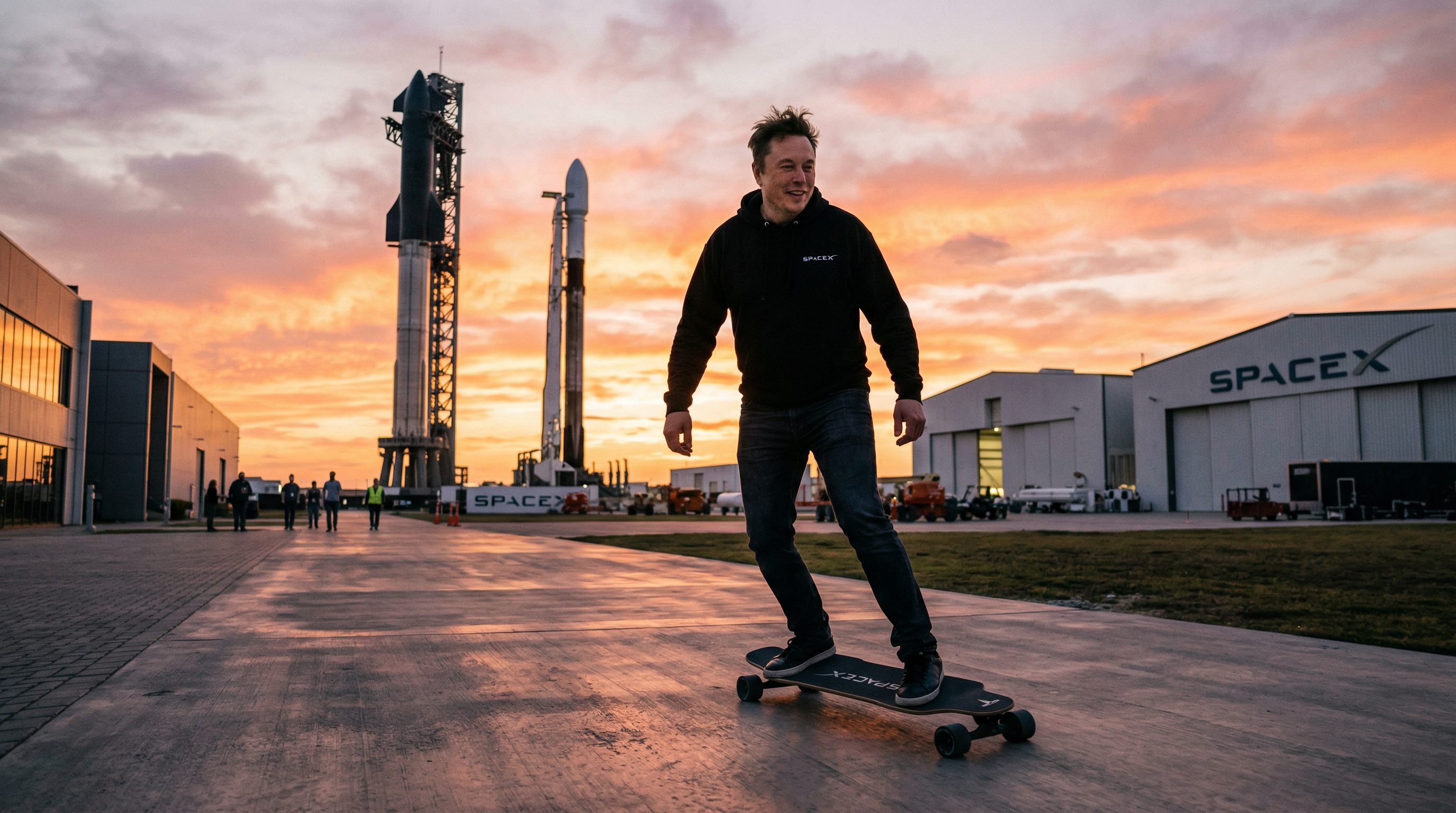
Elon Musk — Cybertruck Symphony
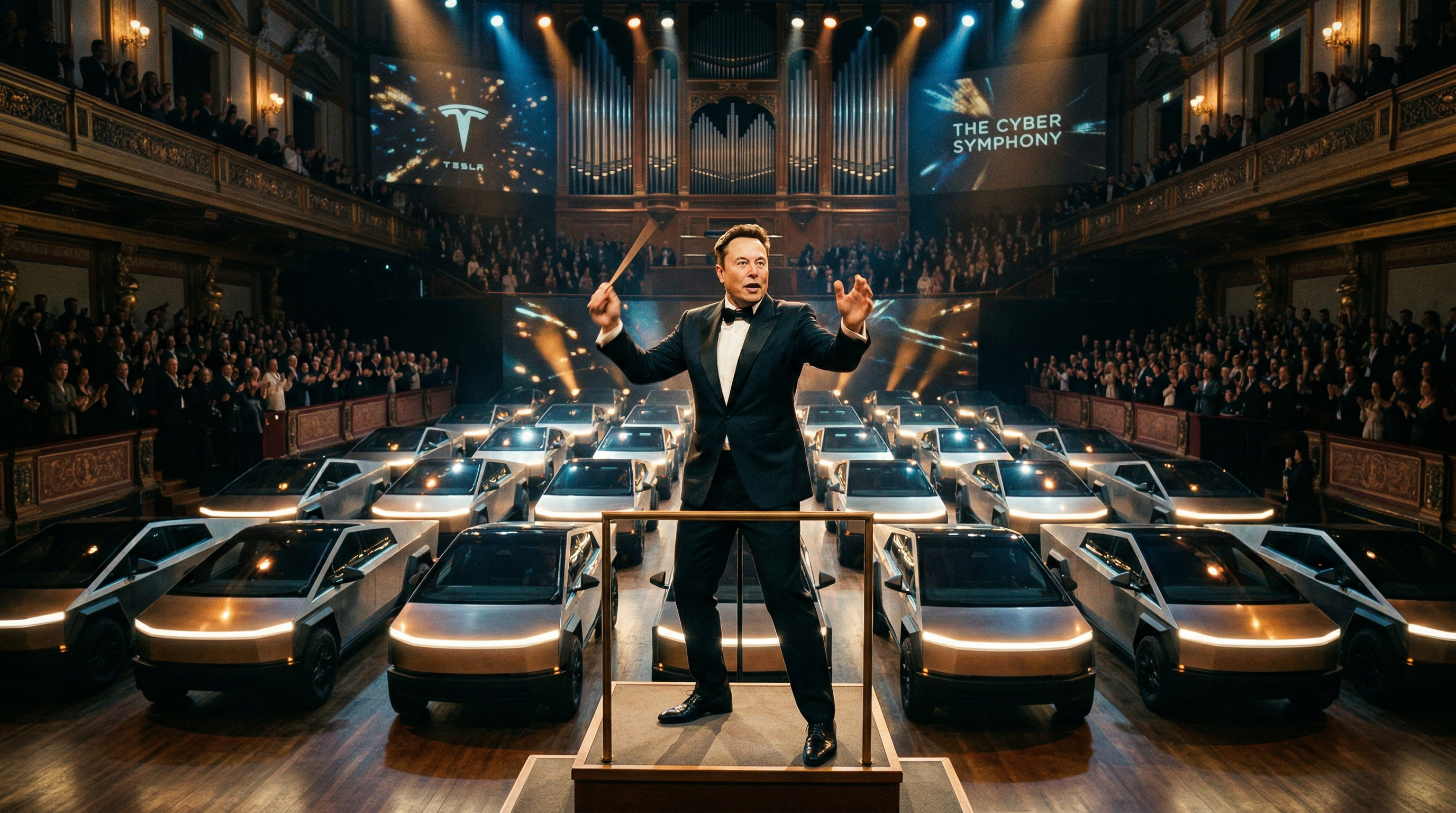
Jensen Huang — Underwater Data Center
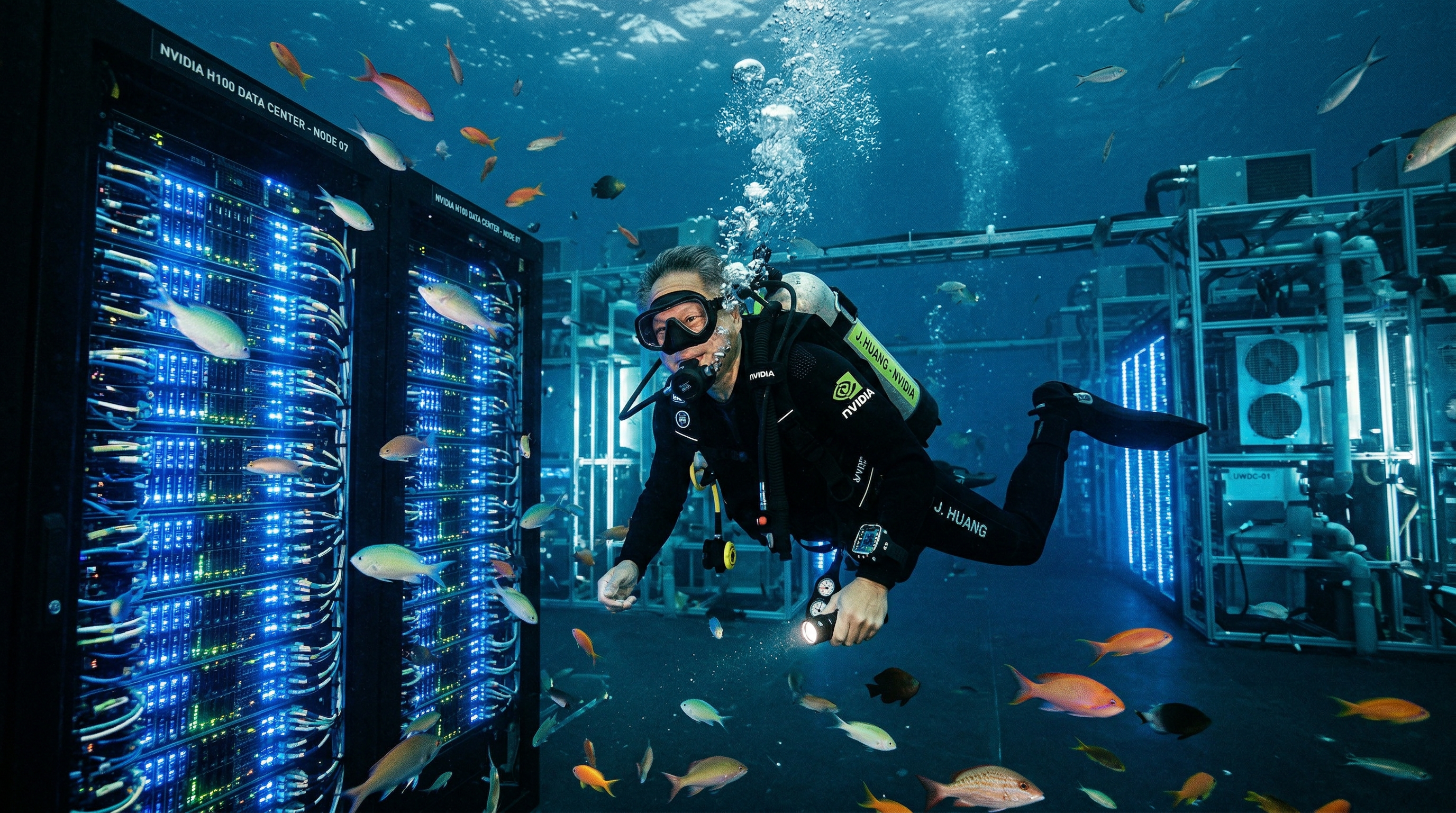
Elon Musk — SpaceX Skateboarding
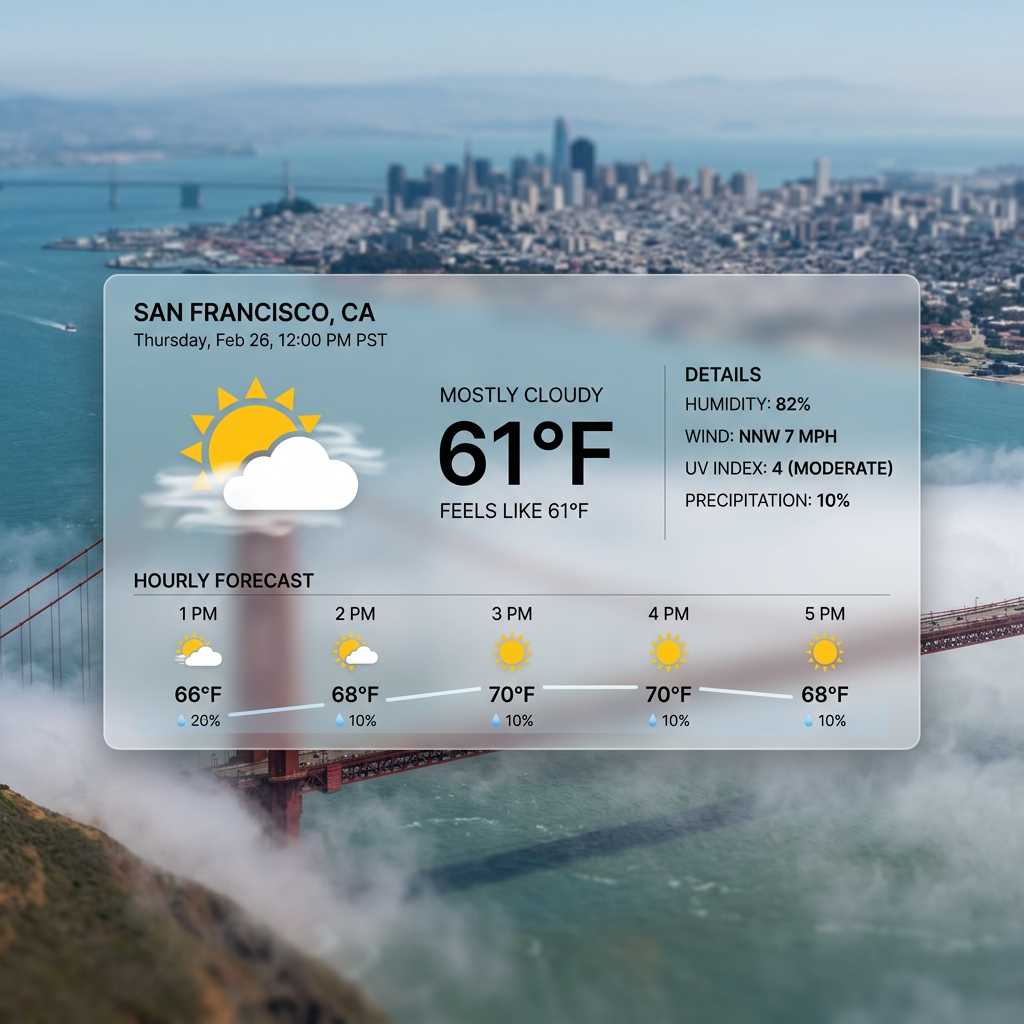
Google Search Grounding
Current Weather in San Francisco
Google Image Search
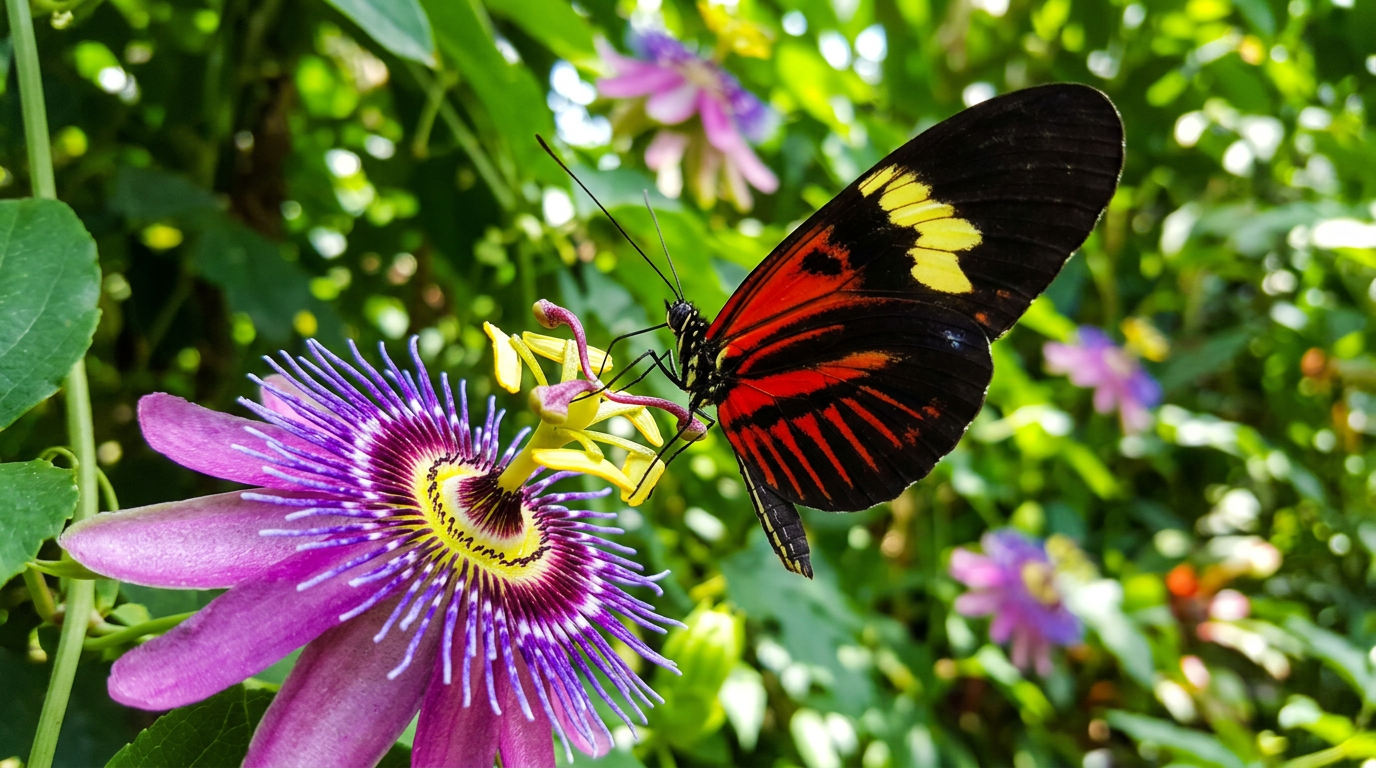
Butterfly on Flower
Different Resolutions
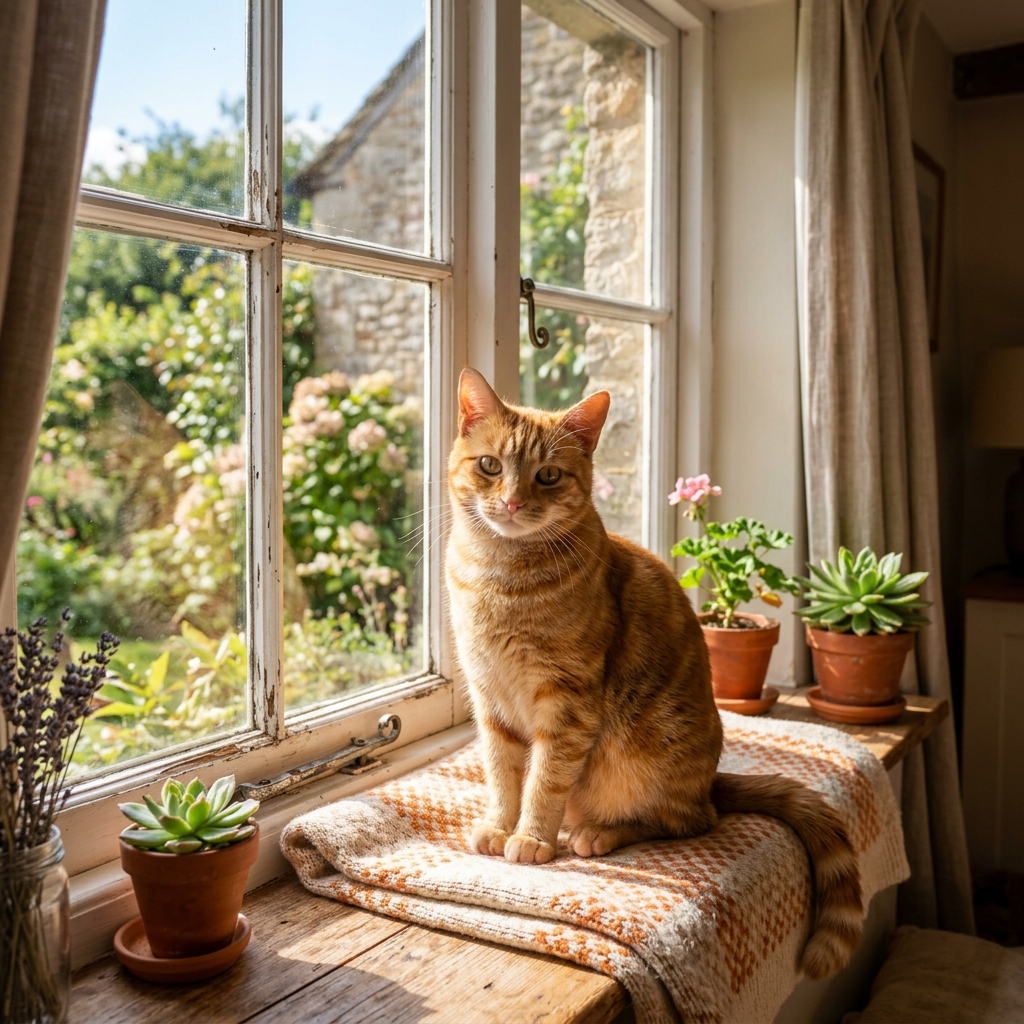
512px (fastest)
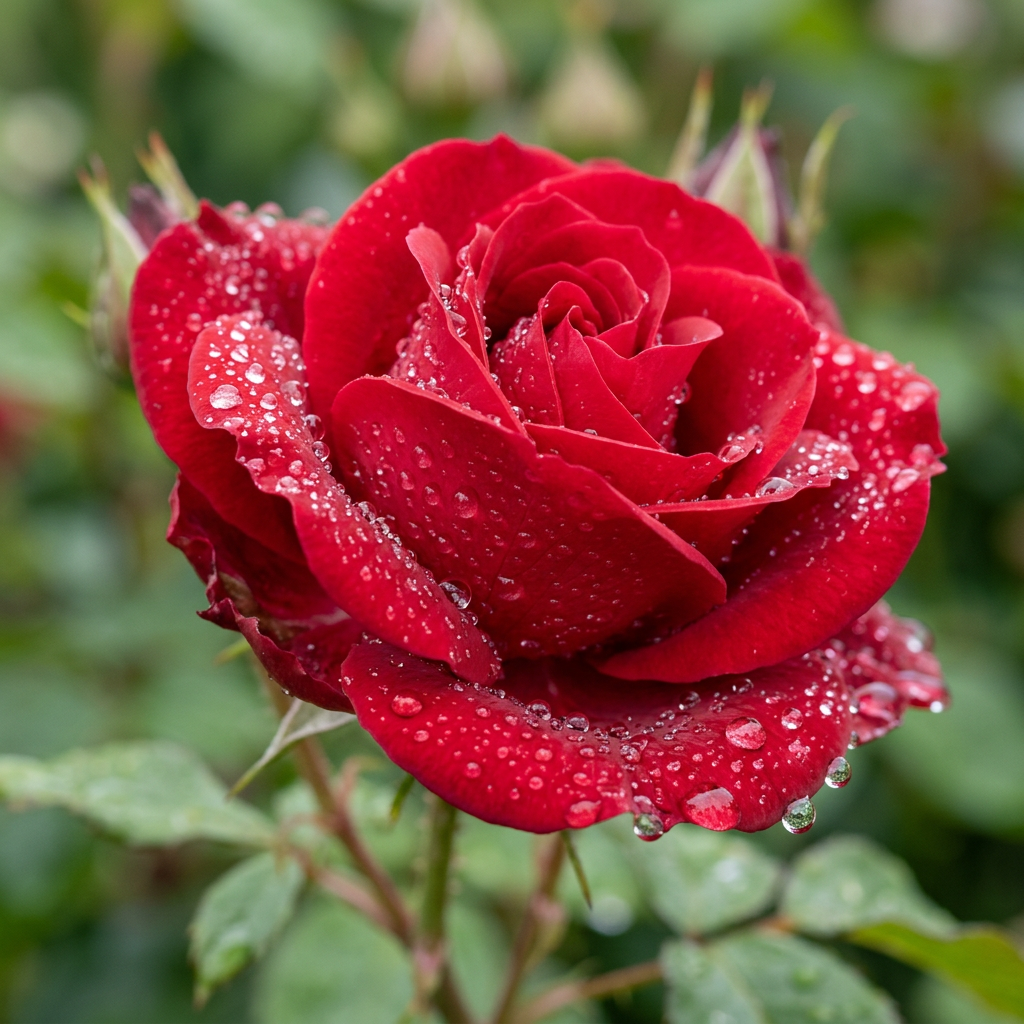
1K
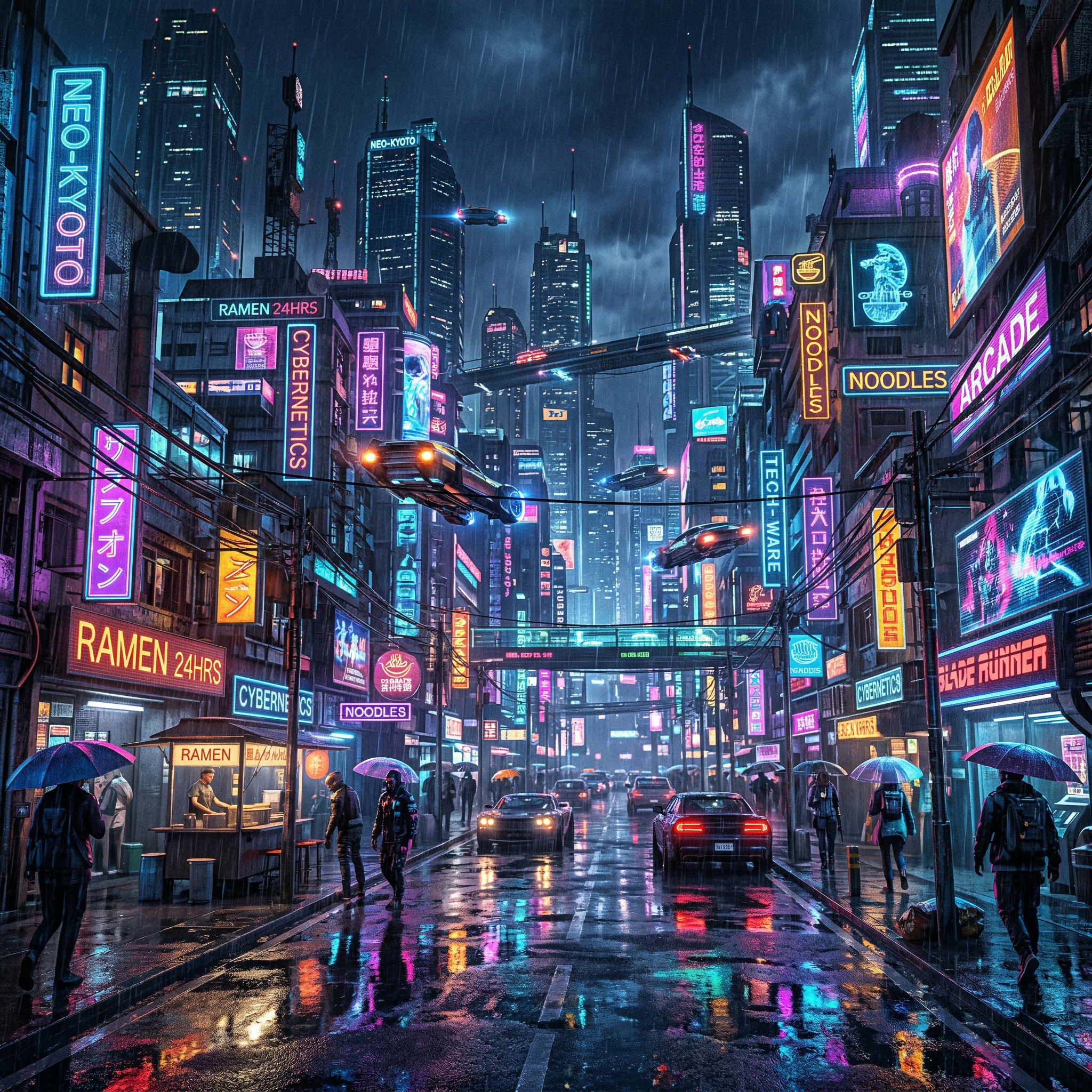
2K
Quick Start
Prerequisites
- Python 3.11+
- Google Gemini API key (free tier available)
Installation
Using uvx (recommended — no install needed):
uvx ultimate-gemini-mcp@latest
Note: Use
@latestto ensure uv always fetches the newest version from PyPI. Without it, uv may use a cached environment.
Using pip:
pip install ultimate-gemini-mcp
From source:
git clone https://github.com/anand-92/ultimate-image-gen-mcp
cd ultimate-image-gen-mcp
uv sync
Config file locations:
- macOS:
~/Library/Application Support/Claude/claude_desktop_config.json - Windows:
%APPDATA%\Claude\claude_desktop_config.json
macOS
spawn uvx ENOENTerror: Use the full path — find it withwhich uvx, then set"command": "/Users/you/.local/bin/uvx".
Claude Code
claude mcp add ultimate-gemini \
  --env GEMINI_API_KEY=your-api-key \
  -- uvx ultimate-gemini-mcp@latest
Cursor
Add to .cursor/mcp.json:
{
  "mcpServers": {
    "ultimate-gemini": {
      "command": "uvx",
      "args": ["ultimate-gemini-mcp@latest"],
      "env": {
        "GEMINI_API_KEY": "your-api-key-here"
      }
    }
  }
}
Images are saved to ~/gemini_images by default. Add "OUTPUT_DIR": "/your/path" to customize.
Tools
generate_image
Generate an image with Gemini 3.1 Flash Image.
| Parameter | Type | Default | Description |
|---|---|---|---|
prompt | string | required | Text description. Less is more — "Tony Hawk kickflip" beats a long description. The model with search can find references automatically. |
aspect_ratio | string | 1:1 | One of: 1:1 1:4 1:8 2:3 3:2 3:4 4:1 4:3 4:5 5:4 8:1 9:16 16:9 21:9 |
image_size | string | 2K | 512px, 1K, 2K, or 4K |
output_format | string | png | png, jpeg, or webp |
reference_image_paths | list | [] | Up to 14 local image paths (10 objects + 4 characters) |
enable_google_search | bool | false | USE THIS for products, people, events — anything that exists now. The model searches Google for real info. |
enable_image_search | bool | false | USE THIS for visual references. The model finds actual images to work from. This is huge — it can reference real photos of anyone/anything. |
thinking_level | string | minimal | minimal (fast) or high (best quality) |
response_modalities | list | ["TEXT","IMAGE"] | ["TEXT","IMAGE"], ["IMAGE"], or ["TEXT"] |
transparent_background | bool | false | Produce a transparent PNG/WebP cut-out via the two-pass difference matte (~2x cost; see below) |
preserve_original | bool | true | Also keep the pass-1 (white-background) image, not just the cut-out |
alpha_output_format | string | png | Alpha-capable output format: png or webp |
Image size guide:
512px— fastest, lowest cost (0.5K)1K— fast, good for testing (~1-2 MB)2K— recommended for most use cases (~3-5 MB)4K— maximum quality for production assets (~8-15 MB)
Transparent backgrounds — set one flag, get a real alpha cut-out
Just set transparent_background=true. You get back a ready-to-use transparent PNG/WebP (real alpha channel) at transparent_path — no manual masking, no second tool, no follow-up steps.
Generating an app icon or logo? Use the dedicated
generate_app_icontool instead — it forces square + transparent + 1024px PNG so the icon constraints can't be set wrong.
Under the hood this is a two-pass difference matte. The subject is rendered once on a pure white (#FFFFFF) background, that image is edited to a pure black (#000000) background, and the two frames are combined to solve for alpha per pixel: since obs_white − obs_black = (1−α)·255 on every channel, α = 1 − mean(obs_white − obs_black)/255, and the foreground colour is un-premultiplied from the black frame. Because there's no colour key, there's no green spill/halo; alpha is fractional, so soft edges, glow, glass, and faint shadows all survive. Pillow-only, zero ML downloads — but it costs a second model call (~2x tokens/latency).
The technique assumes the edit pass changed only the background. If the model drifts the subject between passes, the matte degrades — the result still returns (aligned/alignment_error flag it, with a loud post_processing_warnings entry) so you can decide whether to regenerate.
Each returned image gains: transparent_path, background_removed, background_removal_mode ("difference_matte"), aligned, alignment_error, alpha_output_format, and post_processing_warnings. By default the pass-1 (white-background) original is preserved alongside the cut-out (preserve_original=true).
// generate_image(prompt="a friendly robot mascot", transparent_background=true)
{
  "images": [{
    "path": "/path/to/a-friendly-robot-mascot-...png",            // pass-1 (white bg)
    "transparent_path": "/path/to/a-friendly-robot-mascot-...-transparent.png",
    "background_removed": true,
    "background_removal_mode": "difference_matte",
    "aligned": true,
    "alignment_error": 0.004,
    "alpha_output_format": "png",
    "post_processing_warnings": []
  }]
}
It nails crisp-edged subjects and soft glow/glass. The one failure mode is the edit pass drifting the subject (flagged via aligned: false) — regenerate if edges look ghosted.
generate_app_icon
Purpose-built for app icons and logos. Square, transparent, and 1024px are forced — there is no aspect_ratio, image_size, output_format, or transparent_background knob to get wrong. Every result is a real alpha-channel PNG at transparent_path, ready to drop into a .iconset directory and convert with iconutil -c icns.
| Parameter | Type | Default | Description |
|---|---|---|---|
prompt | string | required | Describe the icon/logo mark only — framing & transparency are handled |
reference_image_paths | str | list | null | Brand/style reference image path(s), up to 14 |
enable_google_search | bool | false | Ground design in real web references |
enable_image_search | bool | false | Use Google Image Search for visual context |
thinking_level | string | high | minimal or high (icons reward high) |
allow_icon_words_in_prompt | bool | false | Escape hatch — bypass the prompt guard only when a word like "logo" is genuinely part of the subject |
The
promptmust describe ONLY the subject, never the deliverable. This tool already turns whatever you describe into an icon, so framing words like "app icon", "logo", "favicon", or "squircle" in the prompt are rejected (setallow_icon_words_in_prompt=trueonly if such a word is literally part of the depicted subject). Right:"a glowing electric-blue magnifying glass over a network graph". Wrong:"an app icon of a magnifying glass".
// generate_app_icon(prompt="a glowing electric-blue magnifying glass over a network graph")
{
  "images": [{
    "transparent_path": "/path/to/...-transparent.png",  // square, 1024px, alpha
    "background_removed": true,
    "alpha_output_format": "png"
  }]
}
batch_generate
Generate multiple images in parallel.
| Parameter | Type | Default | Description |
|---|---|---|---|
prompts | list | required | List of prompt strings (max 8) |
aspect_ratio | string | 1:1 | Aspect ratio applied to all images |
image_size | string | 2K | Resolution for all images |
output_format | string | png | Format for all images |
response_modalities | list | ["TEXT","IMAGE"] | Modalities for all images |
batch_size | int | 8 | Max concurrent requests |
enable_image_search | bool | false | Use Google Image Search for visual context |
thinking_level | string | minimal | minimal or high |
transparent_background | bool | false | Apply the two-pass difference matte to every image (each costs a second model call) |
preserve_original | bool | true | Keep the pass-1 (white-background) images too |
alpha_output_format | string | png | Transparent output format: png or webp |
MCP Prompt Templates
26 expert prompt templates are available as MCP slash commands in Claude Code (type / to browse). Each template returns a crafted prompt and recommended parameters ready to pass directly to generate_image or batch_generate. For app icons and logos, use the dedicated generate_app_icon tool instead.
| Command | Description | Default aspect ratio |
|---|---|---|
photography_shot | Photorealistic shot with lens/lighting specs | 16:9 |
cinematic_scene | Film still with cinematography language | 21:9 |
product_mockup | Commercial e-commerce photography | 1:1 or 4:5 |
batch_storyboard | Multi-scene storyboard → calls batch_generate | 16:9 |
macro_shot | Extreme macro with micro-snoot lighting | 1:1 |
fashion_portrait | Editorial fashion with gobo shadow patterns | 4:5 |
technical_cutaway | Stephen Biesty-style cutaway diagram | 3:2, 4K, IMAGE only |
flat_lay | Overhead knolling photography | 1:1 |
action_freeze | High-speed strobe with motion blur background | 16:9 |
night_street | Moody night street with practical light sources | 16:9 |
drone_aerial | Straight-down golden hour aerial | 4:5, 4K, IMAGE only |
stylized_3d_render | UE5-style render with subsurface scattering | 1:1, IMAGE only |
sem_microscopy | Scanning electron microscope false-color | 1:1, IMAGE only |
double_exposure | Silhouette-blended double exposure | 2:3, IMAGE only |
architectural_viz | Ray-traced architectural visualization | 3:2, 4K |
isometric_illustration | Orthographic isometric 3D illustration | 1:1, IMAGE only |
food_photography | High-end backlit food photography | 4:5 |
motion_blur | Rear-curtain sync slow shutter sequence | 16:9 |
typography_physical | Text embedded in physical environment | 16:9, 4K, IMAGE only |
retro_futurism | 1970s cassette-futurism analog sci-fi | 4:3, IMAGE only |
surreal_dreamscape | Surrealist impossible physics scene | 1:1, IMAGE only |
character_sheet | Video game character concept art sheet | 3:2, 4K, IMAGE only |
pbr_texture | Seamless PBR texture map with raking light | 1:1, IMAGE only |
historical_photo | Period-accurate photography with film emulation | 4:5 |
bioluminescent_nature | Long-exposure bioluminescence macro | 1:1 |
silhouette_shot | Cinematic pure-black silhouette master shot | 21:9, 4K |
Configuration
| Variable | Default | Description |
|---|---|---|
GEMINI_API_KEY | — | Required. Google Gemini API key |
OUTPUT_DIR | ~/gemini_images | Directory where images are saved |
DEFAULT_IMAGE_SIZE | 2K | Default resolution (1K, 2K, 4K) |
DEFAULT_MODEL | gemini-3-pro-image-preview | Default model |
ENABLE_PROMPT_ENHANCEMENT | false | Auto-enhance prompts by default |
ENABLE_GOOGLE_SEARCH | false | Enable Google Search grounding by default |
REQUEST_TIMEOUT | 60 | API timeout in seconds |
MAX_BATCH_SIZE | 8 | Max parallel requests in batch mode |
LOG_LEVEL | INFO | Logging level |
Troubleshooting
spawn uvx ENOENT — Claude Desktop can't find uvx. Use the full path:
"command": "/Users/yourusername/.local/bin/uvx"
Find it with: which uvx
GEMINI_API_KEY not found — Set the key in your MCP config env block or in a .env file. Get a free key at Google AI Studio.
Content blocked by safety filters — Rephrase the prompt to avoid sensitive content.
Rate limit exceeded — Wait and retry, or upgrade your API quota.
Images not saving — Check OUTPUT_DIR exists and is writable: mkdir -p /your/output/path.
License
MIT — see LICENSE for details.
MCP Registry
mcp-name: io.github.nikships/ultimate-image-gen-mcp
Links
- Google AI Studio — Get your API key
- Gemini API Docs
- Model Context Protocol
- FastMCP
Related MCP servers

Gemdex
Persistent memory layer for AI coding agents: save, recall, update via Gemini plus LanceDB

PrismHR MCP
Open-source MCP server for PrismHR. PEO workflow tools + Microsoft 365 connectors.

Read and reply to your personal Telegram chats and all your Slack workspaces.

Nim Language Server
Language server for Nim providing symbol navigation, diagnostics, and type resolution for AI agents and editors.

Search your local Nimbus index and run its built-in agents from any MCP client.

io.github.nimish14/freelance-ops-mcp
Freelance invoice ops MCP — overdue status, tone suggestion, and reminder drafts