Brave DevTools MCP MCP Server
io.github.triuzzi/brave-mcp
Chrome DevTools MCP parity for Brave—browser automation, debugging, and performance analysis for AI agents.
What is the Brave DevTools MCP MCP server?
Brave DevTools MCP is an MCP server that gives Claude, Cursor, and other AI agents direct access to Brave for browser automation, network debugging, console inspection, performance analysis, screenshots, and accessibility auditing. It provides full Chrome DevTools feature parity optimized for Brave's native discovery, profiles, and privacy defaults.
Brave DevTools MCP enables AI agents to control Brave, inspect network traffic and console logs, take screenshots, run performance traces, check accessibility, and automate browser tasks. Use it when you need an AI to debug web applications, analyze performance, or interact with web pages on your behalf.
How to install Brave DevTools MCP
Copy-paste configuration for popular MCP clients.
Tools & capabilities
Tools this server exposes to the agent.
Browser automation— Automate actions in Brave using Puppeteer with automatic waiting for action results.Performance tracing— Record traces and extract actionable performance insights using Chrome DevTools.Network debugging— Analyze network requests and inspect HTTP traffic.Console inspection— Check browser console messages with source-mapped stack traces.Screenshots— Capture screenshots of the current page.Accessibility inspection— Inspect the accessibility tree and audit accessibility issues.Memory profiling— Profile memory usage and detect memory leaks.Lighthouse analysis— Run Lighthouse performance and best-practice audits.
Use cases
- Debug web applications by inspecting console errors, network failures, and performance bottlenecks
- Automate browser interactions like form filling, clicking, and navigation for testing or data collection
- Analyze page performance with traces and Lighthouse reports to identify optimization opportunities
- Inspect accessibility trees to audit WCAG compliance and identify accessibility issues
- Take screenshots and inspect page state for visual regression testing or documentation
Brave DevTools MCP MCP server FAQ
It's an MCP server that connects AI agents like Claude and Cursor to Brave for browser automation, debugging, performance analysis, and accessibility inspection—with full Chrome DevTools feature parity.
Yes, Brave DevTools MCP is open-source and free to use. It requires Node.js LTS and Brave browser.
Run: `cursor --add-mcp '{"name":"brave-devtools","command":"npx","args":["-y","brave-mcp@latest"]}'` then restart Cursor.
Run: `claude mcp add brave-devtools --scope user -- npx -y brave-mcp@latest` then restart Claude Code.
No authentication is required. It connects directly to Brave on your machine.
Brave DevTools MCP is optimized for Brave with native profile and channel discovery, Brave-specific naming, disabled telemetry by default, and a standalone CLI—while maintaining full upstream feature parity.
README (reference)
Source of truth, from the repository.
Brave DevTools for agents
Full Chrome DevTools MCP parity, rebuilt for Brave.







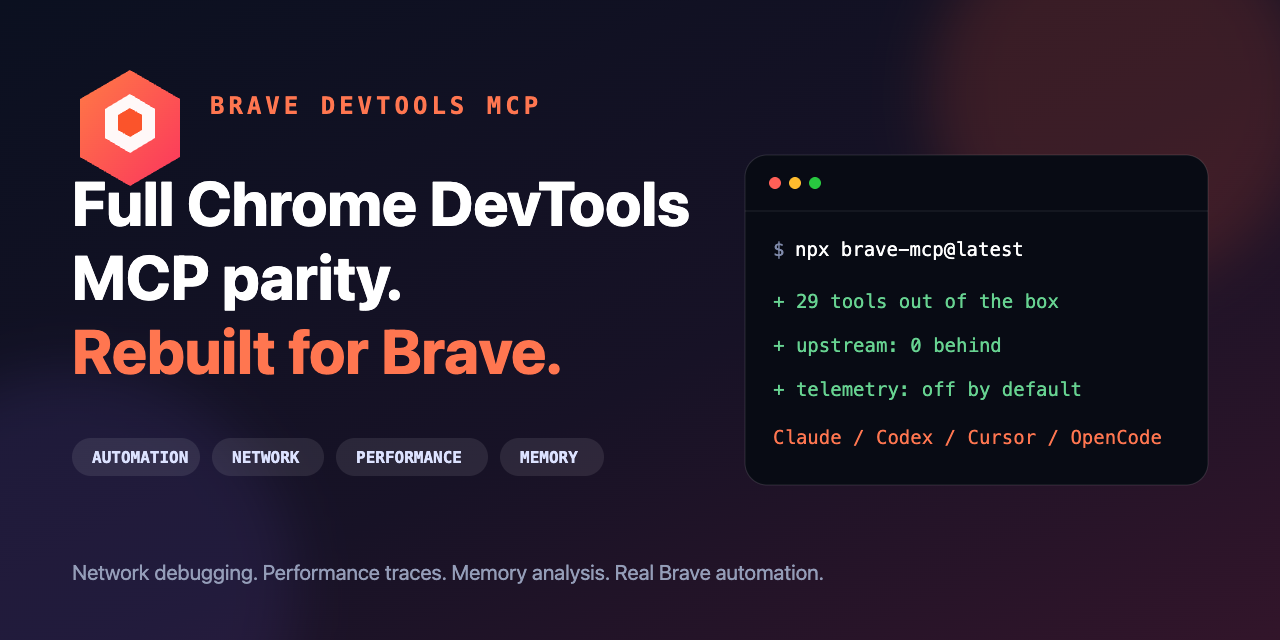
brave-mcp gives Claude Code, Codex, Cursor, OpenCode, and other MCP clients direct access to Brave for browser automation, network and console debugging, performance analysis, screenshots, accessibility inspection, and memory profiling. A standalone brave-devtools CLI is included too.
Install in one command
Claude Code
claude mcp add brave-devtools --scope user -- npx -y brave-mcp@latest
Cursor
cursor --add-mcp '{"name":"brave-devtools","command":"npx","args":["-y","brave-mcp@latest"]}'
Codex
codex mcp add brave-devtools -- npx -y brave-mcp@latest
OpenCode
opencode mcp add brave-devtools -- npx -y brave-mcp@latest
Restart your client, then try this prompt:
Open my app in Brave. Find console errors and failed network requests, inspect the accessibility tree, run Lighthouse, and explain the highest-impact issue.
Why use this instead of Chrome DevTools MCP?
| Capability | brave-mcp | chrome-devtools-mcp |
|---|---|---|
| Browser launched and discovered natively | Brave Release, Beta, and Nightly | Chrome Stable, Beta, Dev, and Canary |
| Attach to an existing browser | Brave profiles, HTTP, or WebSocket | Chrome profiles, HTTP, or WebSocket |
| Upstream DevTools features | Full parity; currently 0 commits behind | Source implementation |
| Usage telemetry | Disabled by default | Enabled by default |
| Standalone CLI | brave-devtools | chrome-devtools |
Use Chrome DevTools MCP when your target browser is Chrome. Use brave-mcp when your target browser is Brave and you want Brave-native discovery, profiles, channels, naming, and privacy defaults without giving up upstream features.
Tool reference | Changelog | Contributing | Troubleshooting | Design principles
Key features
- Get performance insights: Uses Chrome DevTools to record traces and extract actionable performance insights.
- Advanced browser debugging: Analyze network requests, take screenshots and check browser console messages (with source-mapped stack traces).
- Reliable automation. Uses puppeteer to automate actions in Brave and automatically wait for action results.
Disclaimers
brave-mcp exposes content of the browser instance to the MCP clients
allowing them to inspect, debug, and modify any data in the browser or DevTools.
Avoid sharing sensitive or personal information that you don't want to share with
MCP clients.
brave-mcp officially supports the current Brave release. Beta and Nightly channels can be selected explicitly.
Performance tools may send trace URLs to the Google CrUX API to fetch real-user
experience data. This helps provide a holistic performance picture by
presenting field data alongside lab data. This data is collected by the Chrome
User Experience Report (CrUX). To disable
this, run with the --no-performance-crux flag.
Usage statistics
Usage statistics collection is disabled by default in this fork. It can be enabled explicitly with --usage-statistics, which uses the upstream Google Clearcut implementation:
"args": ["-y", "brave-mcp@latest", "--usage-statistics"]
When enabled, Google handles this data in accordance with the Google Privacy Policy. Collection remains disabled if BRAVE_DEVTOOLS_MCP_NO_USAGE_STATISTICS or CI is set.
Update checks
By default, the server periodically checks the npm registry for updates and logs a notification when a newer version is available.
You can disable these update checks by setting BRAVE_DEVTOOLS_MCP_NO_UPDATE_CHECKS.
Requirements
Getting started
Add the following config to your MCP client:
{
  "mcpServers": {
    "brave-devtools": {
      "command": "npx",
      "args": ["-y", "brave-mcp@latest"]
    }
  }
}
[!NOTE] Using
brave-mcp@latestensures that your MCP client will always use the latest version of the Brave DevTools MCP server.
If you are interested in doing only basic browser tasks, use the --slim mode:
{
  "mcpServers": {
    "brave-devtools": {
      "command": "npx",
      "args": ["-y", "brave-mcp@latest", "--slim", "--headless"]
    }
  }
}
See Slim tool reference.
MCP Client configuration
For setup instructions specific to your editor or agent (e.g. Antigravity, Claude Code, Cursor, VS Code), please see our Client Configurations Guide.
Your first prompt
Enter the following prompt in your MCP Client to check if everything is working:
Check the performance of https://brave.com
Your MCP client should open the browser and record a performance trace.
[!NOTE] The MCP server will start the browser automatically once the MCP client uses a tool that requires a running browser instance. Connecting to the Brave DevTools MCP server on its own will not automatically start the browser.
Tools
If you run into any issues, checkout our troubleshooting guide. See the full Tool reference for a complete list of all supported MCP capabilities.
Configuration
Find the complete list of server parameters (e.g., --headless, --isolated, --slim) and how to configure WebSocket connections in the Configuration Guide.
Advanced usage
For advanced features such as handling concurrent sessions, persistent user data directories, connecting to a running Brave instance instead of starting a new one, or debugging on Android, see our Advanced Usage Guide.
Known limitations
See Troubleshooting.
Integrating as a browser subagent
If you are developing agentic tooling and want to provide an integrated browser subagent as part of your product, we recommend building on top of Brave DevTools for agents.
For a reference implementation, see the Gemini CLI browser agent documentation.
Related MCP servers

io.github.trkr-ai/trkr
Stress-test portfolios against hundreds of regime-aware simulated futures for real markets.

Scout for Premiere Pro
Drive Adobe Premiere Pro from an AI agent: transcript search, markers, cuts, exports, 277 tools.

io.github.trondbjoroy/met-mcp
Weather forecasts from MET Norway (Yr): geocoding plus hourly forecasts worldwide.
Norwegian transport (Entur) and geodata (Kartverket): trips, departures, addresses, elevation.

Code Index
Fast local source code searching using Zoekt trigram-based indexing

io.github.tronrental-com/tronrental
Buy TRON energy to reduce USDT transfer fees by 80%. Full API for AI agents.